





Here are the Discord updates from September 25, 2026. You can also find the most recent updates in Discord under Settings > More > What's New.

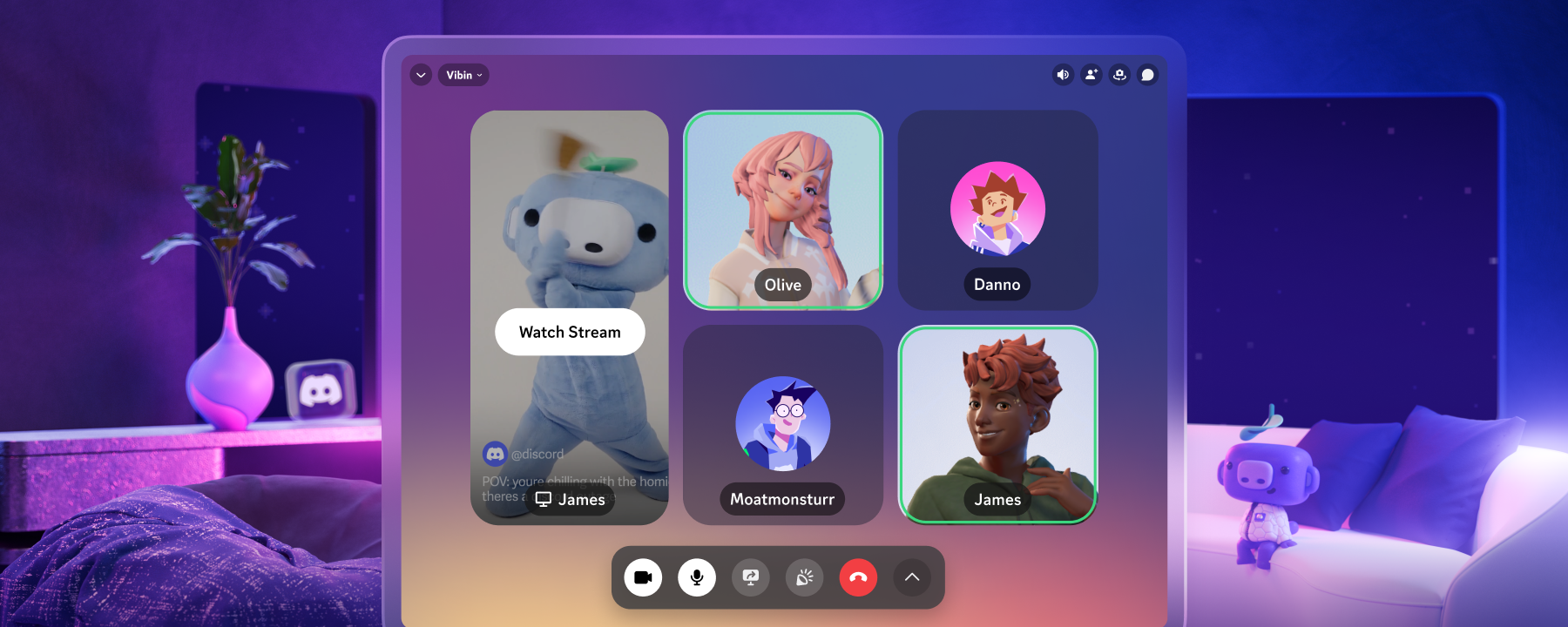
We’ve put in system wide echo cancellation on Windows clients! Historically, echo cancellation was focused on just audio from Discord calls; nothing else happening on your PC was accounted for. Now, we attempt to remove a much broader set of things, which should result in your friends complaining less about being able to hear the video you got playing on your second monitor.
It’ll also surely cancel out any distractions while you see what else we got in this changelog:
New Fonts and Styles
Oh, you like fonts? Then name every typeface. Here, we’ll give you a head start with the 4 newest fonts that you can customize your name with if you’ve got Nitro: Monkey Bars, Mainframe, Headbang, and Journal. We’re also hitting you with a couple tasty new name effects: Gummy and Prism!
Trending Games
We’ve made some adjustments to the Trending Games page to allow you to filter it a bit. You can now peep trending games in entire genres! Click the genre name to check out some of the top trending indie or FPS games each week — you might find something new and fresh to play with your friends!
Town Hall Revamp
We’ve revamped the Discord Town Hall, also known as the Discord Discord, to be a place where you can get product updates, learn about collabs, see what experiments are running, and more. We’re open any time, stop by and say what up!
Bulk-leave inactive group DMs
It happens to us all: you get added to the 50th group DM with the same people. Now you got 49 group DMs clogging up your DM list…
Clear em out! Leave all the inactive group DMs that haven’t seen a message in a while. Ahh, doesn’t that feel much better?
Audio-device icons
Sometimes you got the homies in the headset, sometimes you want to use your desktop speakers. No judgement here on what you use, but how on EARTH can you tell those devices apart?!?! How about with some lil’ icons? No longer will you be confused over the sometimes wild default naming conventions of your devices.
Profile Bio Character Limit Increase
You’ve got a lot to say about yourself, and we don’t blame you, you’re pretty cool!
We’ve bumped the amount of characters that you can write in your bio from 190 to 300.
Be sure to make it look just as cool as you are using the WYSIWYG editor that we talked about in the previous changelog!
Server tag edits on mobile
Quick little update for the server tag editors of the world: you can now edit them on mobile!
For when you gotta change your tag the moment you’ve summited Mt. Everest. Is there cell reception up there actually? As an added bonus, your server tag will now appear properly and proudly on your server profile — even on mobile!
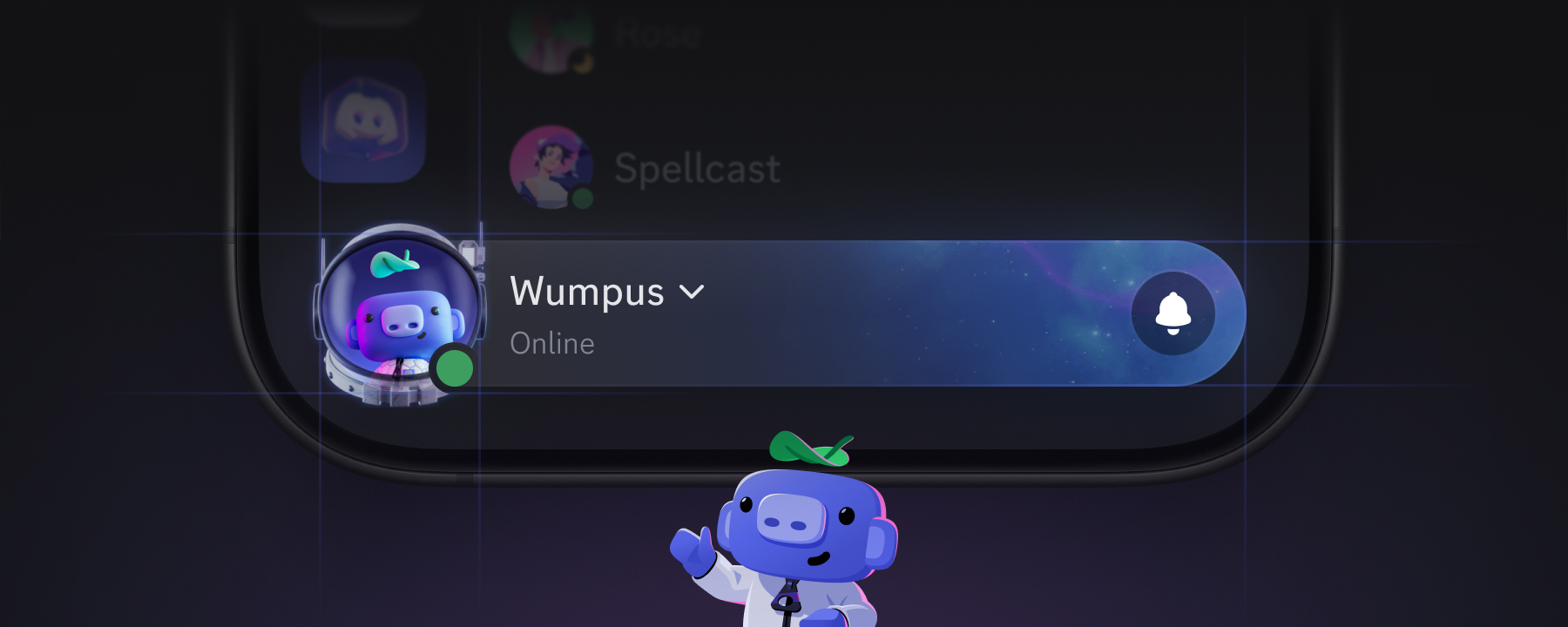
Friend-online notification controls
Some of you have a lot of friends. Like a lot. We’re not envious or anything…
Sometimes when those friends come online, you get a couple of notifications.
They can now be adjusted to be as frequent as you want, or off entirely if you so desire! You can also edit these settings as both the sender AND the receiver.
Mobile visual refresh
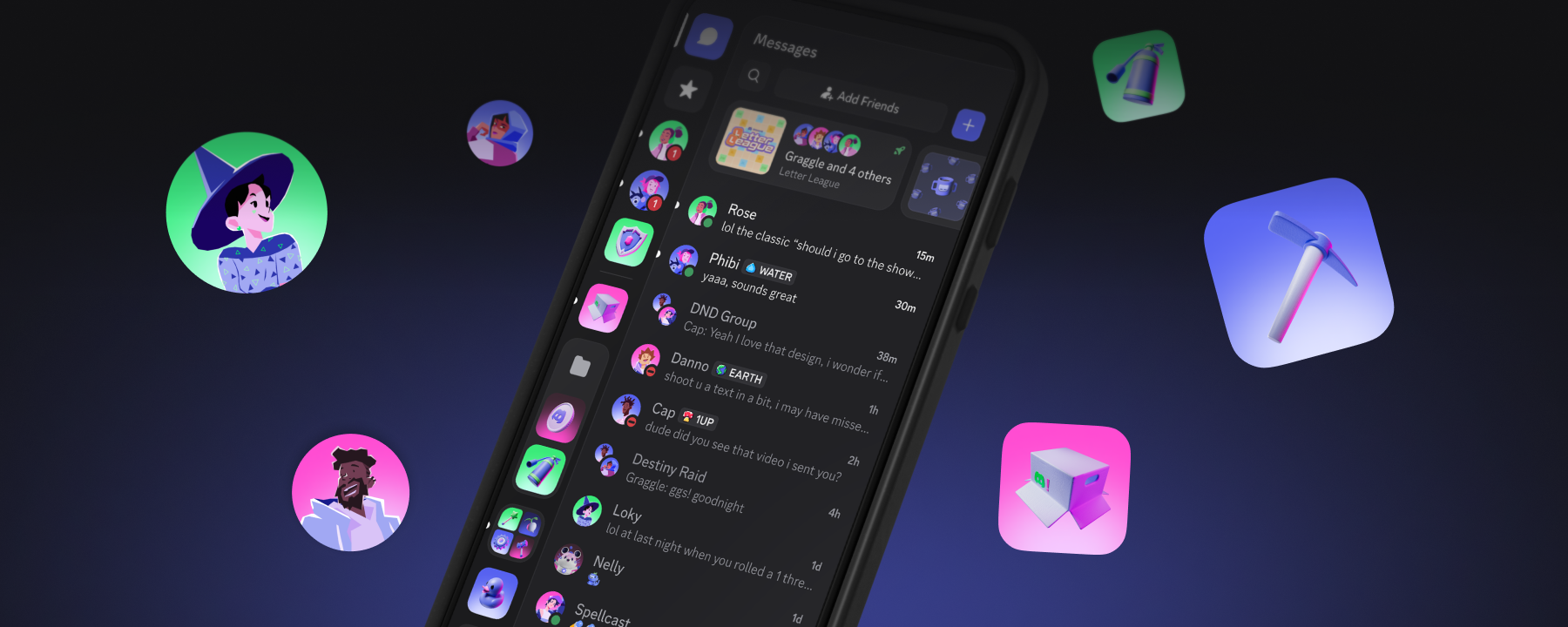
Discord on mobile has been brought in line with desktop. The two should feel like one Discord. The OG dark theme’s back. People are circles, and things are squircles. The chat bar has more breathing room. More details on the blog if you’re so inclined.
@game mentions on mobile
You could ping @game on Desktop and get info on a game or to join their official server in many cases. We brought that to mobile too! Get to pinging! Just not @everyone in a big server please!
But wait, there’s more
For those of you who want even MORE of the technical details, we’ve got our patch notes fresh out of the oven and right onto your proverbial plate.
🔗Discord Patch Notes: Sept 2026 Highlights:
- React Native upgrade: We upgraded our mobile apps from React Native .81 to .86, resulting in roughly 5% lower average CPU usage and 5% faster app launches across Android and iOS.
- Electron 42 upgrade: Upgrading Desktop to Electron 42 and changing how we use it improved p50 CPU usage by ~17%, with a small ~4% increase in p50 memory usage. More resources for gaming, where they belong.
- Desktop rendering optimizations: Another round of optimizations reduced unnecessary rendering, improving p50 CPU usage by ~3%.
Even more??!
You may venture through articles past and read through everything we’ve changed if you’re so inclined. You can see the Patch Notes of old here, or check out our archive of past Changelogs.
And, of course, we’re always all ears for any bugs that you might stumble upon. Check out our Bimonthly Bug Megathread on the community-run r/DiscordApp subreddit and tell us what you’ve found. Our Engineering team will be more than happy to check it out.













.png)
.png)






Nameplates_BlogBanner_AB_FINAL_V1.png)

_Blog_Banner_Static_Final_1800x720.png)


_MKT_01_Blog%20Banner_Full.jpg)


.png)


